
Private VPN for Chrome
Browse quietly.Be nowhere.
Hushgate sends Chrome through encrypted servers in more than 50 countries, with a kill switch and leak protection built in, so websites stop seeing where you really are.
OfferSpecial offer41%1 off+ 14 days free
- 14-day free trial
- No browsing logs
- Clean, static IPs
- Chrome 116 or later2
 Germany6
 Canada6
 United Kingdom5
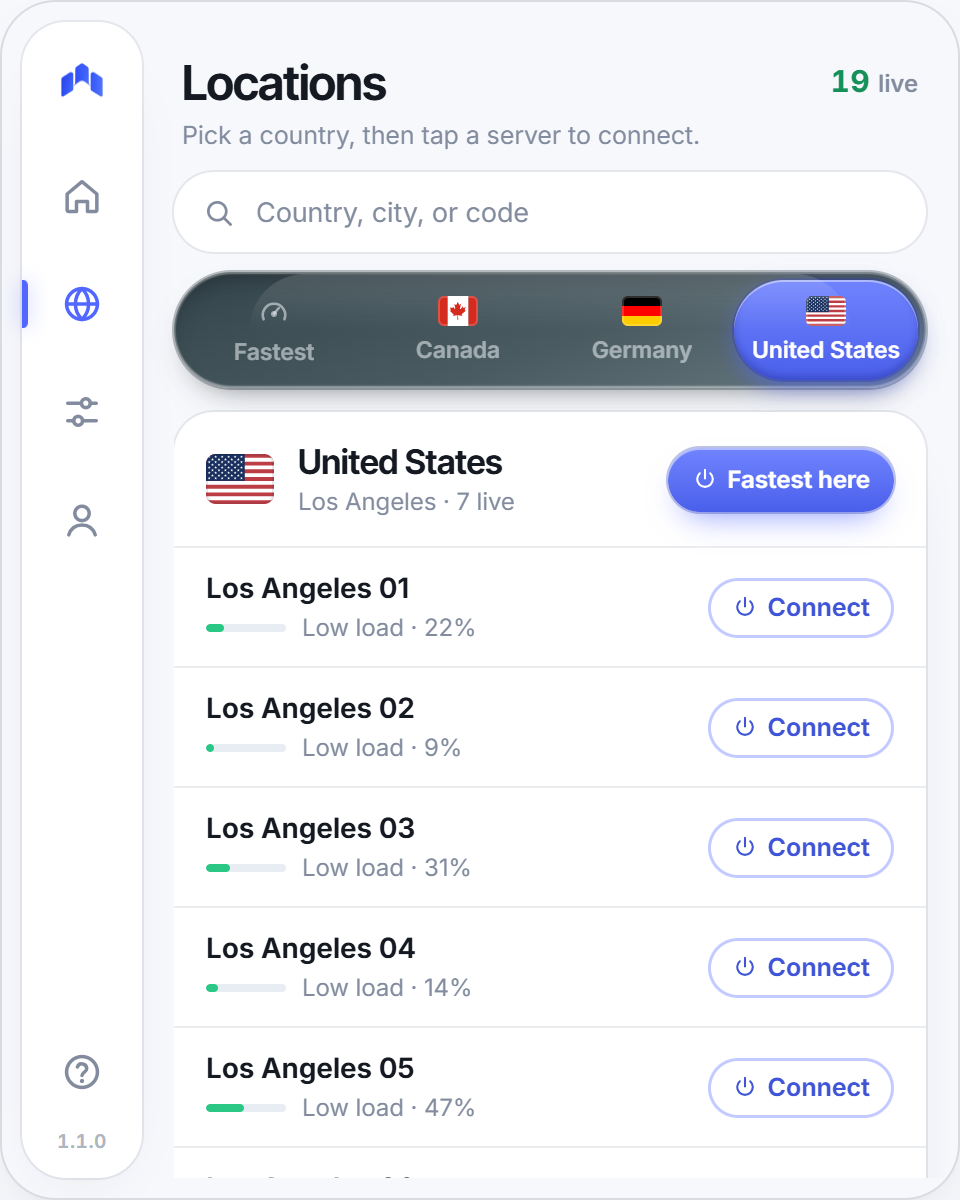
 United States17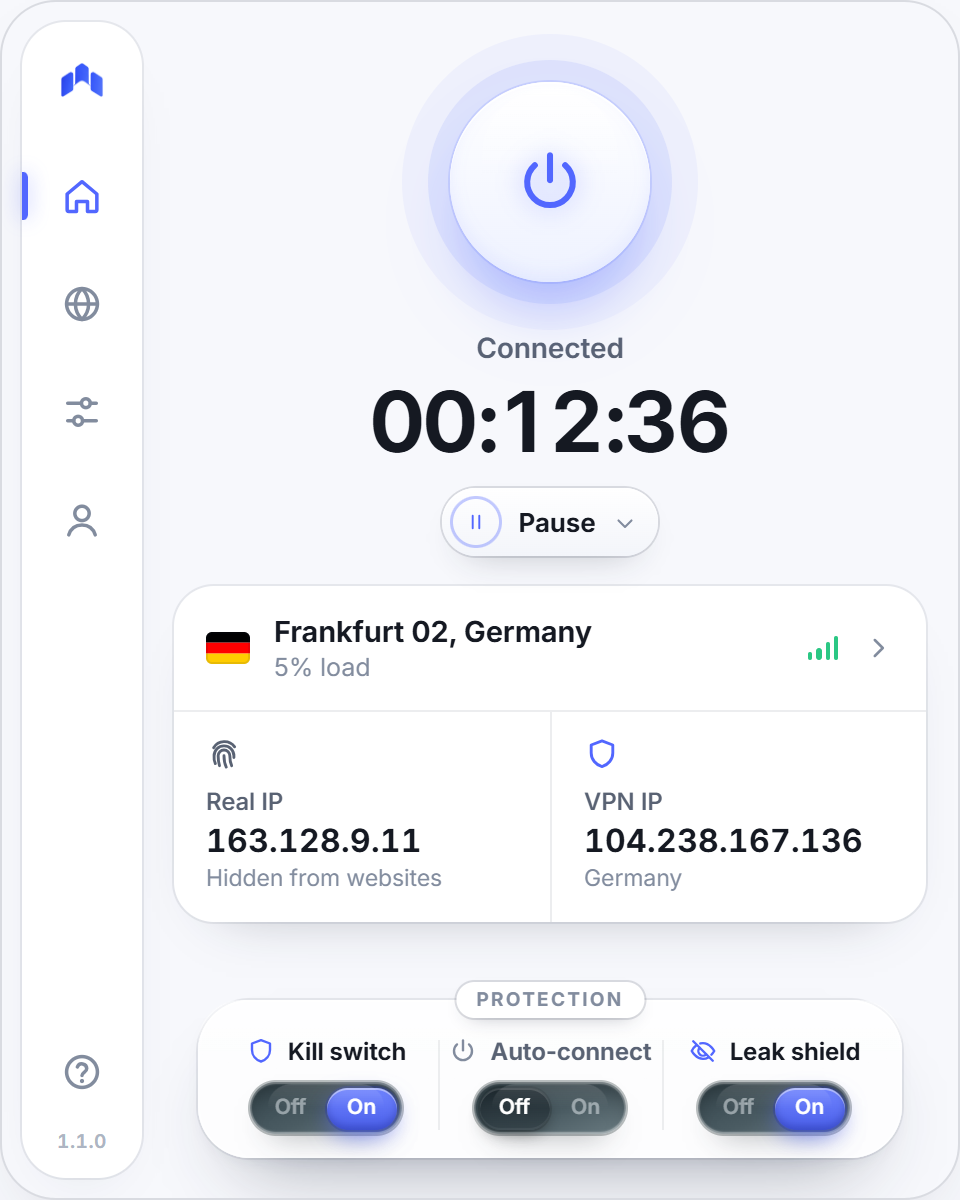
- 0+
- countries to appear from
- Static
- clean IP addresses on every server
- TLS 1.3
- encryption on every connection
- 0
- websites logged, ever
Why Hushgate
Privacy that stays out of your way.
No dashboards to learn and no settings to babysit. Hushgate works quietly in the background and tells you plainly what is happening.
Connected · 00:12:36One tap, and Chrome goes quiet.
Hushgate connects, checks the tunnel every minute and reconnects by itself. A timer, your real IP and the IP websites see. That is the whole interface.
Your real address stays yours.
Websites, ad networks and public Wi-Fi see a clean, static Hushgate address in the country you choose, never the one your provider gave you.
Nothing written down.
We never record the sites you open. There is no history to hand over, because we never kept one.
Safe when the Wi-Fi is not.
Airports, cafés and hotels are easy to snoop on. Hushgate wraps everything Chrome sends in TLS 1.3 before it leaves your laptop.
HushgateEncryptedThe basics
What is a VPN? A private tunnel.
A VPN is a secure tunnel between you and the internet. Your traffic travels encrypted to a server we run, so websites see that server instead of you, and nobody on the way can read where you go, including your internet provider.
- Change your locationA new IP address makes it harder to tell who you are and where you really are.
- Protect your privacyWebsites, trackers and your internet provider stop seeing your activity tied to you.
- Increase your securityRogue Wi-Fi and snoopers on shared networks cannot read what Chrome sends.
HushgateFrankfurt, Germany- Websites see
- 104.238.167.136A Hushgate address in Frankfurt
- Your provider sees
- An encrypted connectionNot the sites inside it
Features
Small extension. Serious protection.
Everything you expect from a desktop VPN, built into the browser where you actually spend your day.
- 01
Kill switch
If the tunnel drops, Chrome stops loading pages until it is back. Your real IP never slips out.
- 02
WebRTC leak shield
Video calls and web apps cannot reveal your real address through WebRTC while you are connected.
- 03
Location that matches
Sites that ask where you are see your server's city, so the story stays consistent.
- 04
Split tunnelling
Send only the sites you choose through Hushgate, or keep a few trusted sites direct.
- 05
Auto-connect
Open Chrome and you are already protected, on the country you used last.
- 06
Pause, not quit
Need your real connection for a moment? Pause, and protection comes back by itself.
- 07
TLS 1.3 encryption
The same modern encryption banks use, on every connection between Chrome and our servers.
- 08
No browsing logs
We never record the sites you open. There is nothing to sell, share or hand over.
- 09
Clean, static IPs
Every server keeps its own fixed address, watched against spam blocklists, so sites see a steady, reputable IP.
Locations
50+ countries.
One quiet tap.
Appear in London, Tokyo, São Paulo or Dubai in a second, on clean, static IP addresses that websites trust.

- 50+
- countries
- 4
- regions
- Static
- IP addresses
- Clean
- IP reputation
Every Hushgate address is 104.238.167.136 static and clean. We check every one against the major spam blocklists, and it stays yours for the whole session.
Every day
When should I use it? Every time you browse.
- 01
While travelling
Use the internet the way you do at home. Pick your home country and your usual sites feel familiar wherever you land.
- 02
On public Wi-Fi
Cafés, airports and hotels share one network with strangers. Hushgate encrypts what Chrome sends before it leaves your laptop.
- 03
While shopping
Some stores show different prices in different countries. Switch location and compare before you pay.
- 04
Working remotely
Keep client work and research private on shared networks, without changing anything else on your computer.
- 05
At home
Your internet provider can see every site you open. With Hushgate on, it only sees an encrypted connection.
How it works
Set up in a minute. Then forget about it.
- 01
Add Hushgate to Chrome
Install the extension and pin it next to the address bar.
- 02
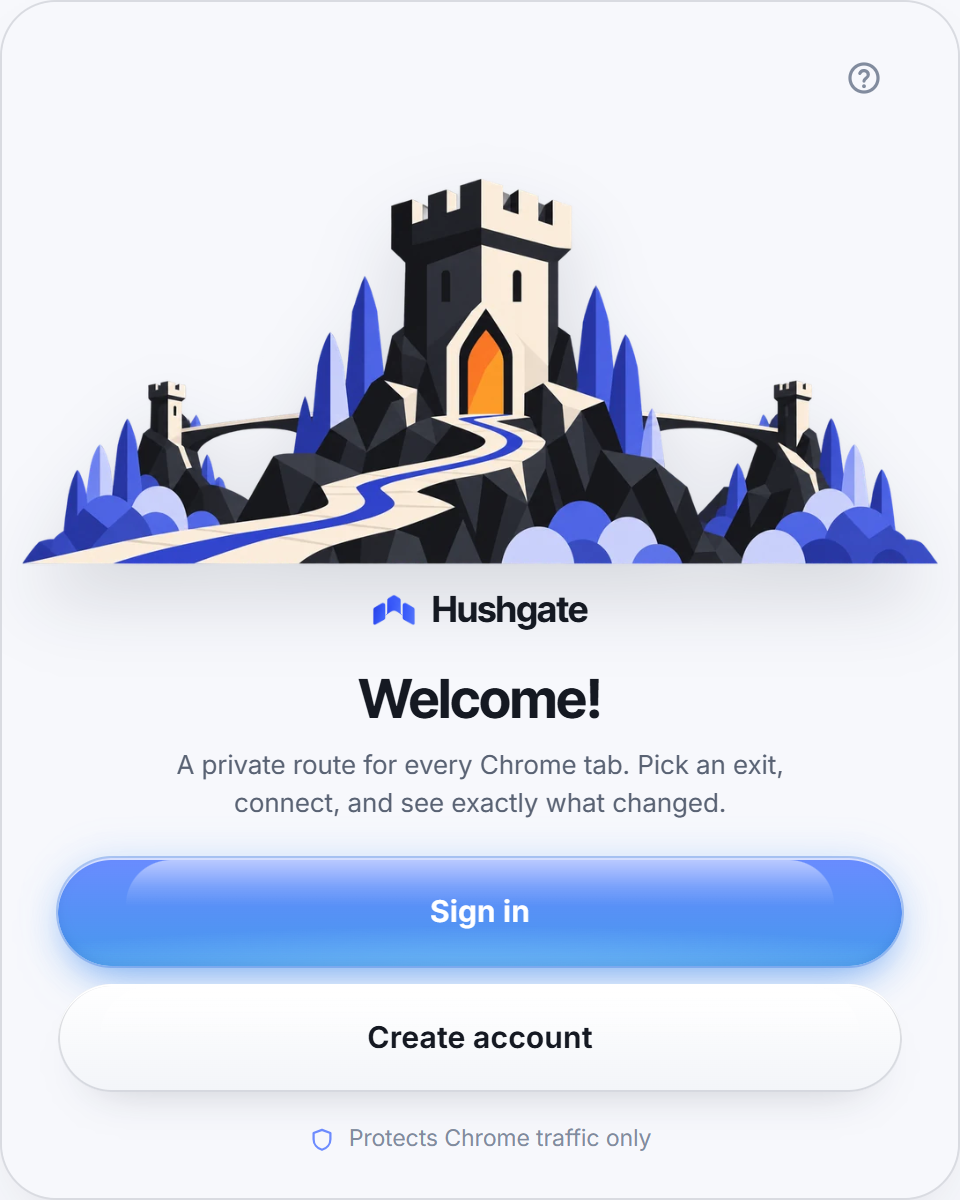
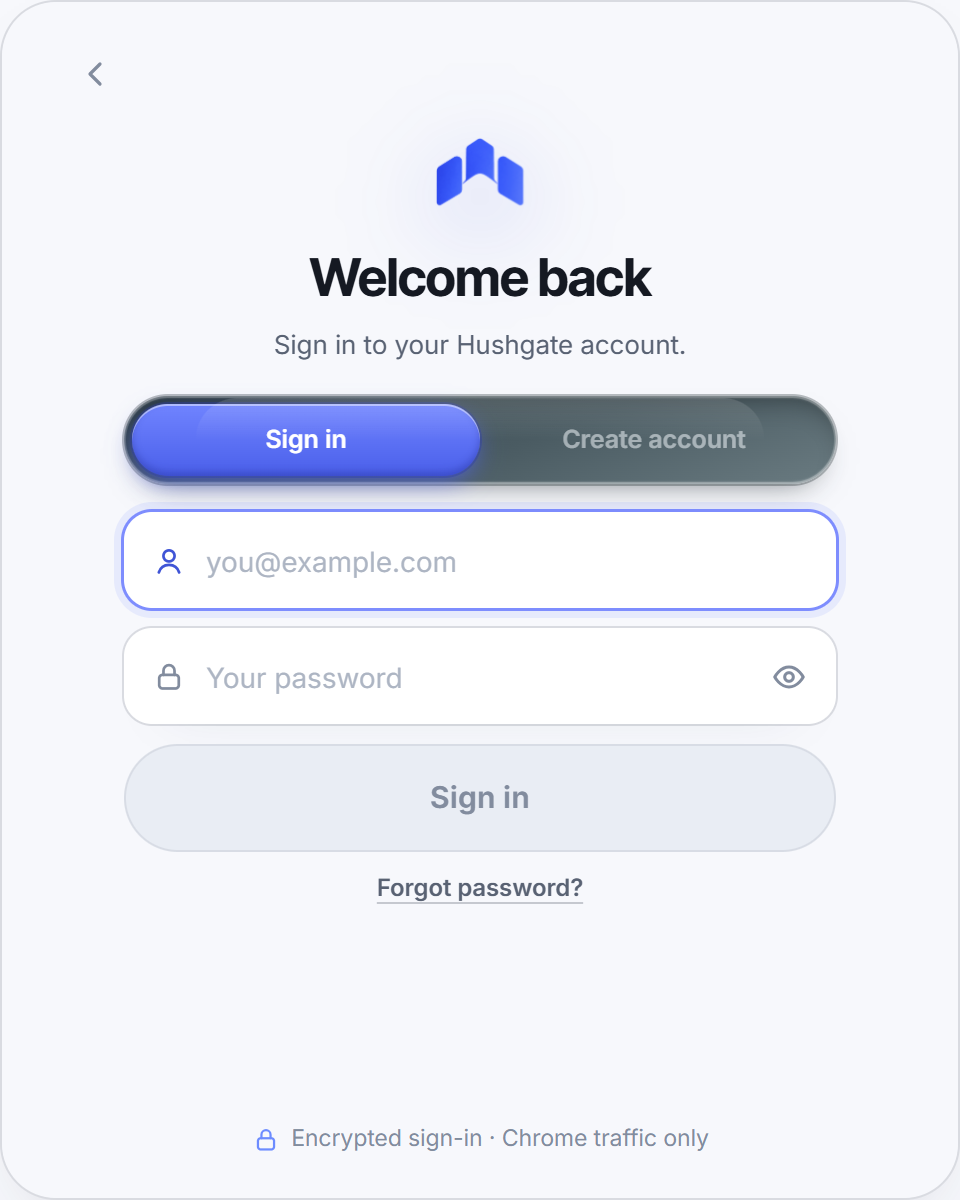
Create your account
An email and a password. That is all we ask for.
- 03
Tap the power button
Pick a country or let Hushgate choose the fastest server.
Hushgate is about quiet control. You decide where Chrome appears to be, which sites skip the tunnel and when protection pauses. We never keep a record of where you go.
14 days free. Then less than a coffee.
Try every location and feature free for 14 days. After that, stay private from $0.99 a month.
You will not be charged during the trial. Cancel before it ends and you pay nothing.
Hushgate for Chromefor 12 months · about $0.58 a month
- TodayEvery feature, free
- Day 14Trial ends
- Then$6.99 if you stay
- 14-day free trial
- Every location in 50+ countries
- Clean, static IP addresses
- Kill switch and WebRTC leak shield
- Split tunnelling and auto-connect
- No browsing logs, ever
- Cancel any time
No card needed to start.
Already have an account?
Sign in from the extension.
Prices are in US dollars. PKR, INR and BDT amounts are converted at rates from 14 September 2026 and may differ slightly at checkout. Taxes may apply.
Frequently asked questions
Everything about Hushgate, the free trial and your privacy. Still stuck? Email support@hushgate.uk.
What is a VPN?
A VPN, or virtual private network, is a secure tunnel between you and the internet. Your traffic travels encrypted to a VPN server, so websites see the server's address instead of yours, and your internet provider cannot see which sites you open.
How much does Hushgate cost after the trial?
$0.99 for one month, $2.50 for three months, $4 for six months or $6.99 for a full year. Longer plans cost less per month, and every plan includes every location and feature.
Can I cancel any time?
Yes. Cancel whenever you like and Hushgate keeps working until the end of the period you have already paid for. There are no cancellation fees.
What does Hushgate protect?
Everything you open in Chrome, including incognito windows once you allow the extension there, goes through an encrypted TLS 1.3 tunnel. Apps outside Chrome and other browsers keep using your normal connection.
What does the kill switch actually do?
If the tunnel drops while you are connected, Hushgate stops Chrome from loading pages until the connection is back or you turn the kill switch off. Nothing is sent from your real IP in between.
Is there an app for iPhone or Android?
Not yet. Apps for the App Store and Google Play are on the way. For now Hushgate works in Chrome on Windows, macOS, Linux and ChromeOS.
Are VPNs legal?
Using a VPN is legal in most countries, and millions of people and companies use one every day. A few countries restrict them, so check the rules where you are. Using Hushgate for anything illegal is never allowed.
Can I use Hushgate while travelling?
Yes. Hushgate works anywhere Chrome can reach the internet. Pick your home country to keep your usual sites familiar while you are away.
Will my IP address change while I browse?
No. Each Hushgate server has its own static IP address, so it stays the same for as long as you stay connected to that server. Pick the same server again and you get the same address.
How does the 14-day free trial work?
Create an account in the extension and every location and feature is unlocked for 14 days. You will not be charged during the trial, and if you cancel before it ends you pay nothing.
Can I see prices in PKR, INR or taka?
Yes. Use the currency menu in the pricing card to see approximate prices in Pakistani rupees, Indian rupees and Bangladeshi taka. Plans are billed in US dollars, so the final amount depends on your bank's exchange rate.
Do you keep logs of the sites I visit?
No. Our servers never record the websites or addresses you open. To run the service we keep your account email and, while you are connected, which server you use and when the session expires.
Which countries can I connect to?
More than 50 countries across the Americas, Europe, Asia Pacific, the Middle East and Africa. Every plan includes all of them, and the extension shows the full list.
Can I use one account on several computers?
Yes. Sign in to Hushgate in Chrome on any computer with the same email and password.
Why does the extension ask for these permissions?
Chrome needs the proxy permission to route traffic, storage to remember your settings and privacy to block WebRTC leaks. Our permissions page explains each one in plain words.
Why choose Hushgate over a free VPN?
Free VPNs have to make money somehow, often by showing ads, selling data or limiting speed. Hushgate is paid for by its members, so we have no reason to track you and every location is included.
Are Hushgate IP addresses clean?
Yes. We check our server addresses against the major spam and abuse blocklists and fix or replace any address that gets listed, so you browse from an IP with a good reputation.
I forgot my password.
Use the reset link on the sign-in screen, or visit hushgate.uk/reset-password. We will email you a link to choose a new one.
Hushgate for ChromeBrowse quietly. Starting today.
OfferSpecial offer41%1 off+ 14 days free
14-day free trial · Clean, static IPs · Cancel any time
- 1 Savings compare the 12-month plan ($6.99) with paying for the monthly plan for 12 months ($11.88). The 14-day free trial is for new accounts. Local currency prices are approximate.
- 2 Hushgate works in Chrome 116 or later on Windows, macOS, Linux and ChromeOS. Other Chromium browsers such as Edge and Brave usually work too.